
Key Takeaways
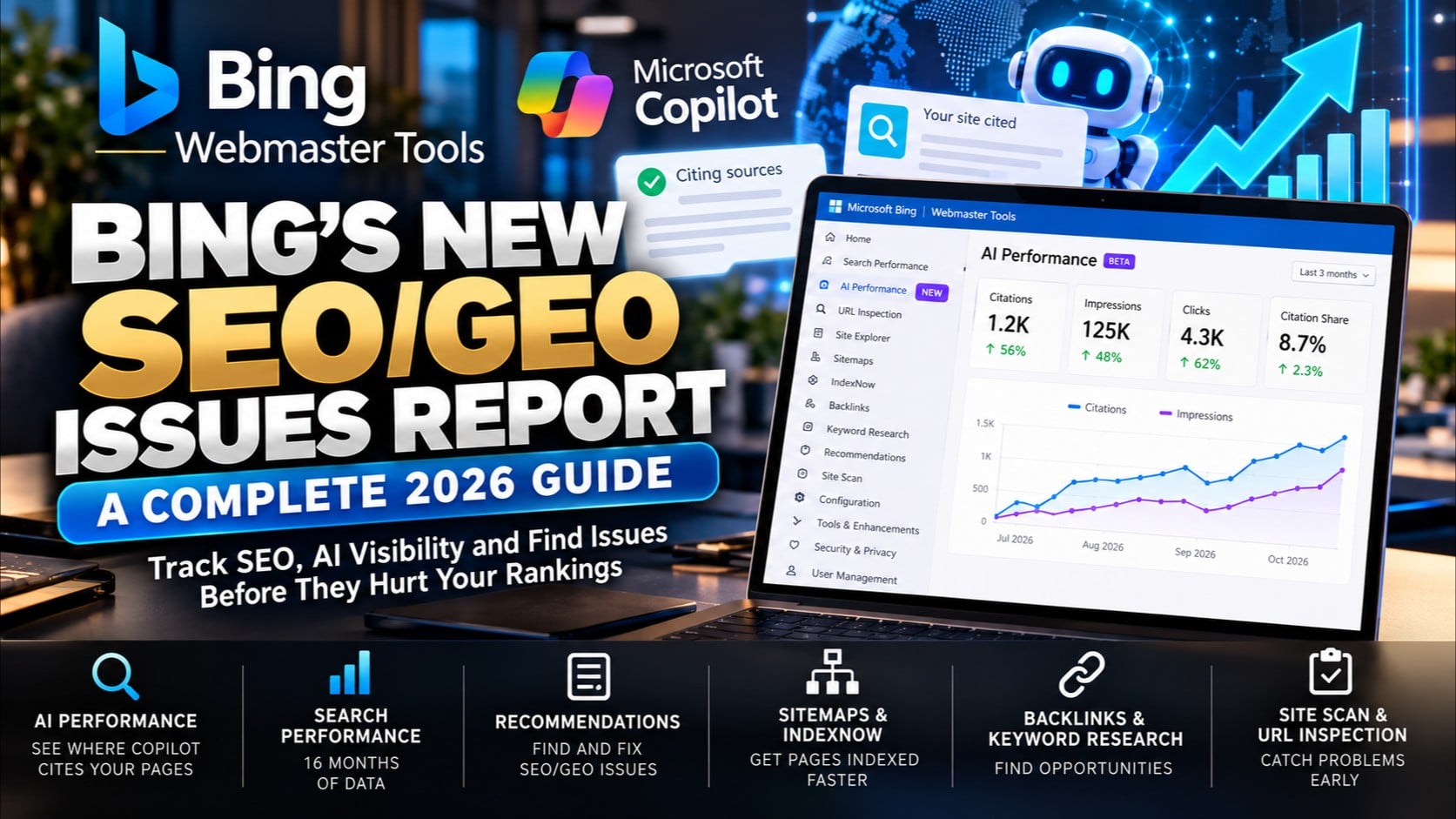
- Bing Webmaster Tools is a free dashboard that shows how Bing crawls, indexes, and ranks a site, and since the February 11, 2026 launch it also reports how often Microsoft Copilot and Bing’s AI answers cite that site’s pages.
- To put Bing Webmaster Tools to work for AI visibility, verify the site, submit a sitemap, turn on IndexNow, fix what Recommendations and URL Inspection flag, and check the AI Performance report every month.
- Bing’s index reaches well beyond Bing.com, feeding search and AI experiences on Yahoo, DuckDuckGo, Microsoft Start, Edge, Windows, and Copilot, so one well-indexed site can show up in several places at once.
- A later update added four new ways to read citation data: Intents, Topics, Citation Share, and Compare, giving small business owners a clearer picture of why and how their content gets picked up by AI answers.
- A high citation count is a measurement, not a ranking guarantee, and Bing has said plainly that the data does not reflect authority or placement within an answer.
Small business owners have spent years treating Bing as the search engine nobody checks. That calculus changed in 2026, when Microsoft started showing site owners exactly when Microsoft Copilot and Bing’s AI answers pull content from their pages. This guide walks through the free tool that makes that visibility possible, what each report actually measures, and how to use it without wasting time on features that don’t move the needle.
Bing Now Shows When Copilot Cites You
For years, Bing Webmaster Tools answered one question: how is this site doing on Bing search? That question has gotten more interesting. On February 11, 2026, Microsoft rolled out a new report called AI Performance, described as an early step toward Generative Engine Optimization, or GEO, tooling. For the first time, a major search engine gave website owners first-party data on how often their own pages get cited inside AI-generated answers, rather than leaving that question to third-party tools that estimate visibility by sending test prompts and guessing.
This distinction matters more than it sounds. A guess based on sample prompts is not the same as Bing’s own citation records for a specific site. The report gives small business owners something they couldn’t get anywhere else: a direct line of sight into whether Copilot, Bing’s AI summaries, and select partner experiences are actually using their content to answer customer questions.
For a small business owner juggling a dozen priorities, that single change is worth paying attention to. Instead of wondering whether AI assistants even know a business exists, there’s now a dashboard that shows actual citation activity, tracked over time, tied to specific pages.
Why Bing’s Index Matters Beyond Google
Most business owners watch Google traffic and tune everything else out. That habit made sense when search meant one blue-link results page. It makes less sense now that Bing’s index quietly powers a wider circle of products than most people realize, including Yahoo, DuckDuckGo, and Microsoft Start, and it’s built directly into Edge, Windows, and Copilot.
A page that Bing crawls and understands well doesn’t just rank on Bing.com. It has a shot at surfacing across all of those connected experiences at once, which means the work of optimizing for Bing carries farther than it used to. That’s especially true for AI-driven answers, since Copilot draws on the same underlying index that Bing Webmaster Tools reports on.
Google remains worth watching closely. But a free, fifteen-minute setup on Bing’s side opens a second, growing channel of discovery, and it happens to be the only place currently offering direct citation data for AI answers.
Inside the Webmaster Dashboard
Once a site is verified, the dashboard becomes the control center for everything from basic crawl health to AI citation tracking. Getting familiar with the layout before reviewing reports saves time and prevents confusion about which tool does what.
Key Reports at a Glance
The left-hand menu holds a mix of classic SEO tools and newer AI-focused reports. The most useful ones for a small business owner include:
- Search Performance, which shows impressions, clicks, and average position by page and query, with months of historical data to spot trends.
- AI Performance (Beta), the report tracking citations across Copilot, Bing’s AI summaries, and partner experiences.
- URL Inspection, which checks indexing status and on-page issues for a single page.
- Site Explorer, showing how Bing sees the site’s overall structure, including crawl blocks and errors.
- Sitemaps and IndexNow, the two tools responsible for telling Bing what exists and what’s changed.
- Recommendations, a severity-ranked list of issues affecting multiple pages.
- Backlinks and Keyword Research, useful for planning content and understanding who links back to a site.
A built-in Copilot assistant, made available to all users, also sits in the top bar for real-time questions about a site’s own data. It works well as a translator when a report shows a number that doesn’t make immediate sense.
Setting Up in Five Steps
Setup is quick, generally finishing in about fifteen minutes, and the process is designed to get a site crawlable and trackable without much technical lifting.
- Sign in at Bing’s webmaster portal using a Microsoft, Google, or Facebook account. Sites already verified in Google Search Console can be imported directly, which is the fastest route.
- Add the site and verify ownership through one of several methods, including a DNS TXT record, an uploaded XML file, a meta tag on the homepage, or the Google Search Console import.
- Turn on IndexNow, which notifies Bing the moment a page is added, updated, or deleted. This can typically be enabled through a supported platform, a plugin, or directly in the site’s code.
- Submit an XML sitemap under the Sitemaps section, or reference it in the robots.txt file, so Bing has a full map of every page on the site.
- Review the dashboard once data starts to populate. Opening Recommendations first shows the biggest issues sorted by severity, followed by a Site Scan and a URL Inspection check on the homepage and a few key landing pages.
AI Performance: Measuring Copilot Citations
The AI Performance report is the feature most small business owners sign up for these days, even though it remains labeled Beta. It tracks how content shows up across Microsoft Copilot, Bing’s AI-generated summaries, and select partner integrations, giving a direct read on AI visibility rather than an estimate.
What the February 11, 2026 Report Tracks
The original release reports five things worth understanding before drawing conclusions from the numbers:
- Total Citations, the count of how many times a site was displayed as a source in AI answers during a given date range.
- Average Cited Pages, the average number of unique pages cited per day.
- Grounding Queries, the key phrases the AI used when retrieving cited content, though this is a sample rather than every query.
- Page-Level Citations, citation counts tied to specific URLs.
- Visibility Trends, showing how citation activity shifts over time.
A citation counts as a page being displayed as a source, not a click or a visit. Treat these numbers as a directional signal rather than a traffic report, since that’s exactly how Microsoft frames the data.
Later Additions: Intents, Topics, Citation Share, Compare
A few months after the initial launch, Microsoft expanded AI Performance with tools aimed at answering a different question: not where a site gets cited, but why and how that’s changing.
- Intents classify grounding queries into categories such as informational, commercial, navigational, learn and solve, research, creation, and local, showing what kind of questions pull a site’s pages into an answer.
- Topics group related grounding queries into broader themes, helping a business spot the subject areas where it has real pull, along with the gaps.
- Citation Share shows the percentage of citations for a given query that went to a particular site, out of all citations shown for that query, which tells apart a strong position from a scattered one.
- Compare overlays a previous period against the current view, making it possible to check whether a content update lined up with a shift in citation activity.
Microsoft has described Citation Share as an observational metric rather than a ranking system or competitive scoreboard. It won’t reveal who else is cited for a given query, and Intents and Topics still rely on AI classification that’s described as maturing, so some labels may run broad, particularly in niche industries.
What Bing Recommends to Boost Citations
Microsoft’s own guidance for improving AI visibility reads a lot like good content practice in general, which is reassuring for small business owners without a dedicated SEO team:
- Strengthen depth and expertise on the topics where citations are already happening.
- Improve structure and clarity using clear headings, lists, and FAQ-style sections.
- Support claims with evidence, including examples, data, and cited sources.
- Keep content fresh and accurate, so AI systems reference the current version of a page rather than an outdated one.
- Reduce ambiguity across formats, making sure text, images, and video all describe the same products and concepts consistently.
Fixing What Recommendations and URL Inspection Flag
Citation data means little if the pages behind it have structural problems. Bing’s Recommendations and URL Inspection tools exist to surface those problems before they quietly limit a site’s visibility.
SEO/GEO Issues Report Explained
The SEO/GEO issues report lives inside URL Inspection and lists on-page problems for a single URL, each one tagged as either a Notice or an Error. Recommendations works at a wider scale, summarizing error counts by severity across the entire site and showing how many pages each issue affects. The sensible order is clearing every High-severity error first, then working through Moderate issues, saving Low-severity items for last. A High error affecting a single page is usually a quick fix, while a Moderate error touching many pages often points to a template problem, meaning one fix can resolve dozens of pages at once.
Duplicate Content’s Effect on AI Answers
Duplicate content doesn’t trigger a penalty on Bing by itself, but it creates a different kind of problem for AI answers specifically. When several pages say nearly the same thing, AI systems may group them into a cluster and choose one to represent the set, and it might not be the version a business owner wanted surfaced. Common causes include syndicated copies on other sites, near-identical campaign pages, localized pages with no meaningful differences, and technical issues like inconsistent URL parameters or leftover staging pages. Fixes range from asking partners for a canonical tag, to consolidating near-duplicate pages with a 301 redirect, to simply keeping staging environments out of the index entirely.
A review of one set of pages turned up 18 SEO/GEO errors across 18 pages, including a single High-severity error for a missing description in the head section of one page. That kind of snapshot is a useful reminder that even well-maintained sites tend to carry a handful of fixable issues once someone actually looks.
Keeping Bing’s Index Fresh
AI answers are only as good as the freshness of what’s being cited, which makes index freshness a bigger deal than it used to be. Bing has leaned on two tools to handle this, and they work best used together rather than as substitutes for one another.
Sitemaps vs. IndexNow
A sitemap gives Bing a complete map of a site’s URLs and gets re-read on a regular cycle, typically at least once a day, making it the right tool for full coverage and overall structure. IndexNow, by contrast, sends an instant alert the moment a single page is added, updated, or deleted, making it the right tool for fast-moving changes that shouldn’t wait for the next scheduled crawl. Bing recommends keeping the lastmod field in a sitemap accurate and in full date-and-time format, since that field remains a key freshness signal, while changefreq and priority tags are reportedly ignored. Using both tools together gives Bing the clearest possible picture of a site’s current state at any given moment.
A Measurement Tool, Not a Ranking Guarantee
It’s worth ending on the point Microsoft itself has been upfront about: none of this guarantees a ranking boost or a flood of AI citations. Bing has said plainly that AI Performance data does not indicate ranking, authority, or the specific role a page plays within an individual answer. The numbers describe what’s happening, not what will happen next, and that distinction matters for any small business owner tempted to chase a single metric.
Used correctly, Bing Webmaster Tools functions as a feedback loop. Set it up once, fix what Recommendations and URL Inspection flag, check AI Performance monthly, and use that information to guide which pages deserve more depth, clearer structure, or fresher content. The tool measures progress, while earning citations still comes down to publishing content worth citing in the first place. For a deeper walkthrough of setup steps and every report in the dashboard, see the guide to Bing Webmaster Tools for AI visibility as a starting reference point.
Leaf World Media LLC
jerry@LeafWorldMedia.com
+1-718-640-2855
Woehrle ave
Staten Island
New York
10312
United States


